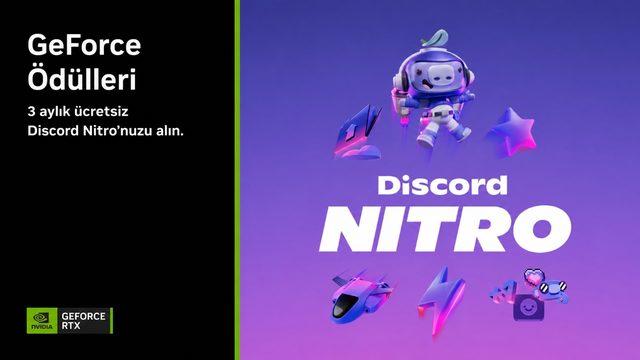
NVIDIA has launched a new campaign offering a 3-month free Discord Nitro subscription to GeForce graphics card owners as part of its "NVIDIA Rewards" program. Users with eligible hardware can take advantage of this offer by claiming their promo codes through the NVIDIA app.
Steps to Take Advantage of the Campaign
To activate the 3-month free Discord Nitro subscription, users need to use the NVIDIA app and take some extra precautions during the browser stage due to regional access restrictions. The process consists of the following steps:
- Claiming the Code via the App: Open the official NVIDIA app on your computer and go to the "Redeem" tab.
- Selecting the Reward: Find the "Discord Nitro GeForce Reward" among the listed rewards and click the "Redeem" button again to generate the promotional link.
- Activation: After turning on your VPN due to regional restrictions, log in to your Discord account via your browser using the provided special link and start your Nitro subscription.
Important Points to Consider
When the 3-month free trial period offered under the campaign ends, Discord may automatically renew your subscription in accordance with its system policies. To avoid this situation and prevent unwanted credit card charges, it is recommended that you turn off the auto-renewal feature in your Discord account settings immediately after successfully starting the subscription.
Industry Implications
Hardware manufacturers' strategies to increase user loyalty through software and ecosystem partnerships stand out as a widespread trend in the gaming and communication worlds. Such periodic campaigns allow hardware brands, particularly those targeting the gamer demographic, to enrich the user experience by offering value-added services.
Frequently Asked Questions
Do I need to own a specific NVIDIA graphics card model to benefit from this campaign?
The campaign covers owners of certain GeForce graphics cards that support the NVIDIA Rewards program; you need to check the NVIDIA app to verify your eligibility.
How can I prevent the subscription from automatically renewing after the free 3-month period ends?
You can prevent charges at the end of the period by disabling auto-renewal in the "Subscriptions" tab of your Discord account settings immediately after starting your Nitro subscription.
*This news article was prepared by Webtekno based on data published by Artificial Intelligence.
💬 Comments
No comments yet. Be the first!
You must be logged in to comment.
🔑 Log In