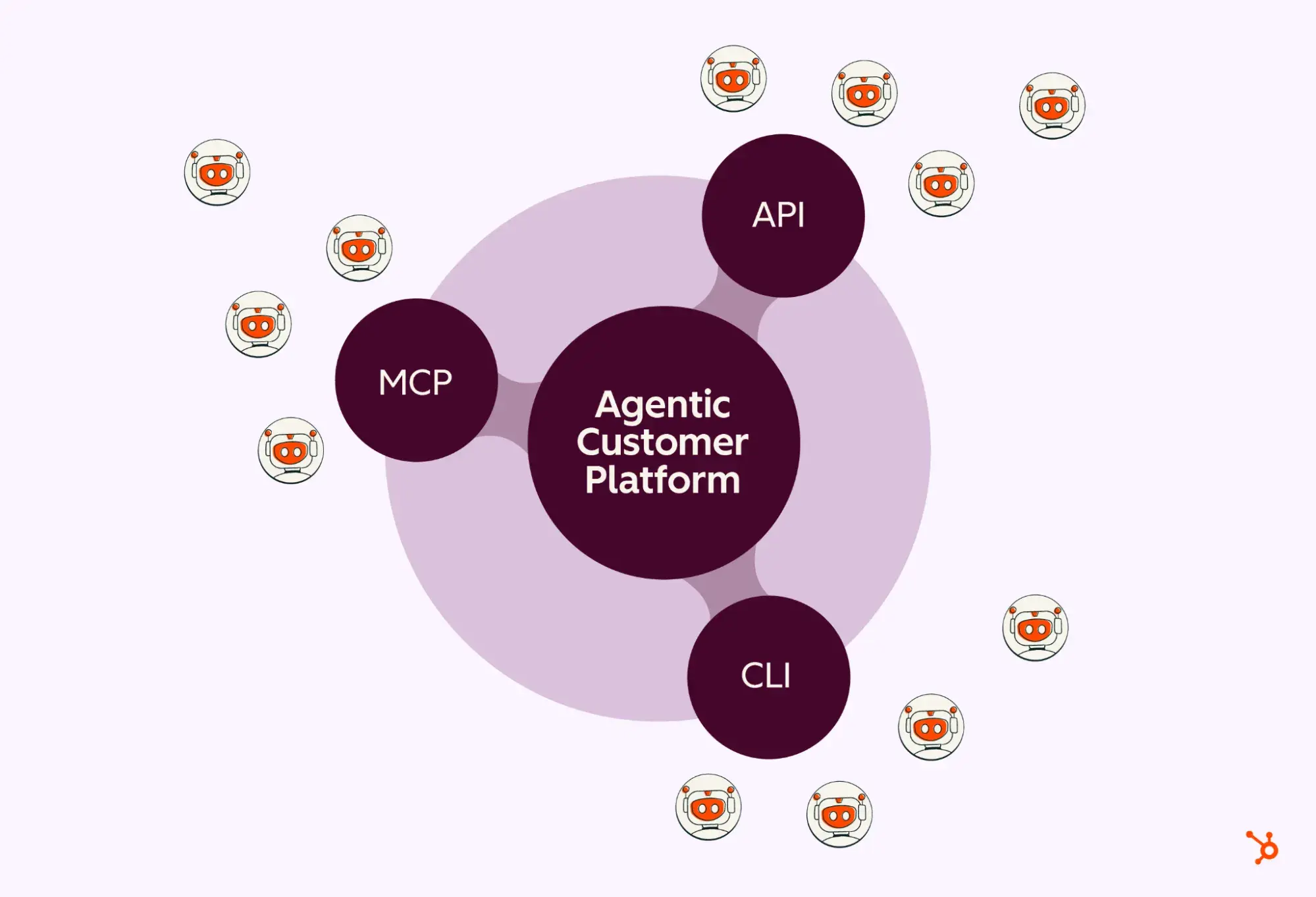
HubSpot has announced the launch of the HubSpot Agent CLI, a new tool that enables marketing, sales, and go-to-market (GTM/ops) teams to run AI agents directly within command-line environments. This innovation allows businesses to automatically execute repetitive, batch, and scheduled tasks in development environments like Claude and Codex without requiring human intervention.
How Does HubSpot Agent CLI Work?
The Command Line Interface (CLI) is built on top of HubSpot's existing public APIs and Model Context Protocol (MCP) server infrastructure. While the company's previously introduced AI Connectors were optimized for human-supervised chats and real-time analytics, the Agent CLI targets autonomous processes running entirely in the background.
With this tool, GTM and operations teams can automate the following workflows without coding or manually repeating processes in chat windows:
- Marketing: Generating a report every Monday morning on high-potential leads with missing data and sending a cleanup list to the RevOps team.
- Sales and RevOps: Scanning and summarizing deals that are close to closing but have shown no recent activity.
- Customer Success: Automatically compiling open deals, support tickets, and recent NPS scores within an account portfolio.
- Support: Summarizing past resolutions and identifying recurring issues in new tickets coming from key accounts.
Why Flexibility in Agent Infrastructure Matters
HubSpot’s move is rooted in the vision that AI agents should not be confined to a single infrastructure or interface. Allowing businesses to choose the environment that best fits their workflows ensures that agents can work more efficiently by accessing data and context across different ecosystems, such as Claude Cowork, Codex, and Claude Code.
Industry Implications and Strategic Approach
Command-line-based automation tools of this nature, aimed at reducing the operational burden on companies, have the potential to transform how technically advanced marketing and sales operations teams operate. Offloading workloads that do not require human oversight—such as data cleaning, reporting, and routine scanning—to the background allows teams to focus more heavily on strategic decision-making.
Frequently Asked Questions
What is the main difference between HubSpot Agent CLI and existing AI Connectors?
AI Connectors are designed for human-in-the-loop, real-time Q&A, campaign analysis, and chat-based tasks. The Agent CLI, on the other hand, is used to execute batch, repetitive, and scheduled tasks in the background without human intervention.
What development environments are required to use this tool?
The tool is optimized to run in environments such as Codex, Claude Cowork, and Claude Code, where GTM and ops teams set up their workflows.
*This news report has been prepared based on data published by the HubSpot Blog.
💬 Comments
No comments yet. Be the first!
You must be logged in to comment.
🔑 Log In