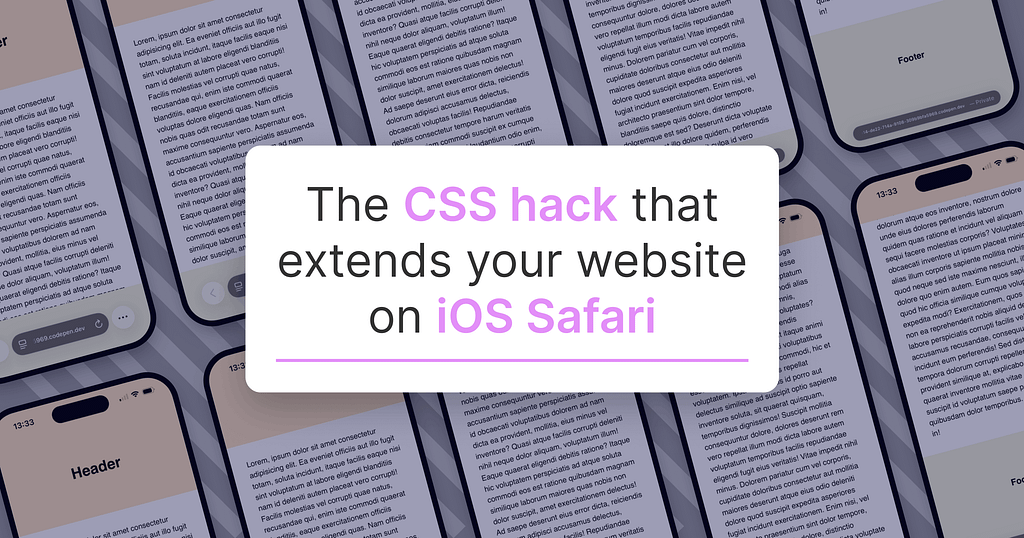
Customizing the spaces behind the status bar and tab bar of websites on the iOS Safari browser with custom colors is possible simply by defining a CSS body background-color. By default, these areas—which are either white or inherited from the HTML tag—can be tailored with site-specific colors to offer mobile users a much more cohesive and aesthetic experience.
How Safari's Automatic Expansion Areas Work
On mobile devices, iOS Safari automatically extends your website's content to the very top of the screen (behind the status bar) and the very bottom (behind the tab bar). Without any intervention, Safari fills these spaces by default with a white color or the main body background color of the page. If the page does not have a defined light background color, this color is directly inherited from the `html` tag.
CSS Implementation Steps for a More Cohesive Look
There is no need for complex code blocks to take control of these extension areas in mobile browsers and improve design quality. A simple `background-color` code added to the body tag (`body`) and compatible color codes given to the main content area will perfect the color transitions at the top and bottom. For example, by giving light blue tones to the body background, the header and footer areas can be visually integrated with the browser bars.
The Importance of Enriching the Design Experience
Transforming websites from mere static pages where data is presented into a digital experience directly increases user engagement and perceived quality. These minor visual details elevate the user experience (UX) to the next level, reflecting the brand's attention to detail, especially in mobile-first designs.
Frequently Asked Questions
Does this CSS trick yield the same result on all mobile browsers?
No, this method specifically targets iOS Safari's flexible area-filling mechanism behind the status and tab bars; it may exhibit different behaviors on other mobile browsers.
Is it possible to define different background colors for the top and bottom extension areas?
The basic `background-color` approach covers the entire body with a single color, but customizations for different areas can be made using advanced CSS layout structures and additional pseudo-element solutions.
*This news article was prepared based on data published by UX Collective.
💬 Comments
No comments yet. Be the first!
You must be logged in to comment.
🔑 Log In