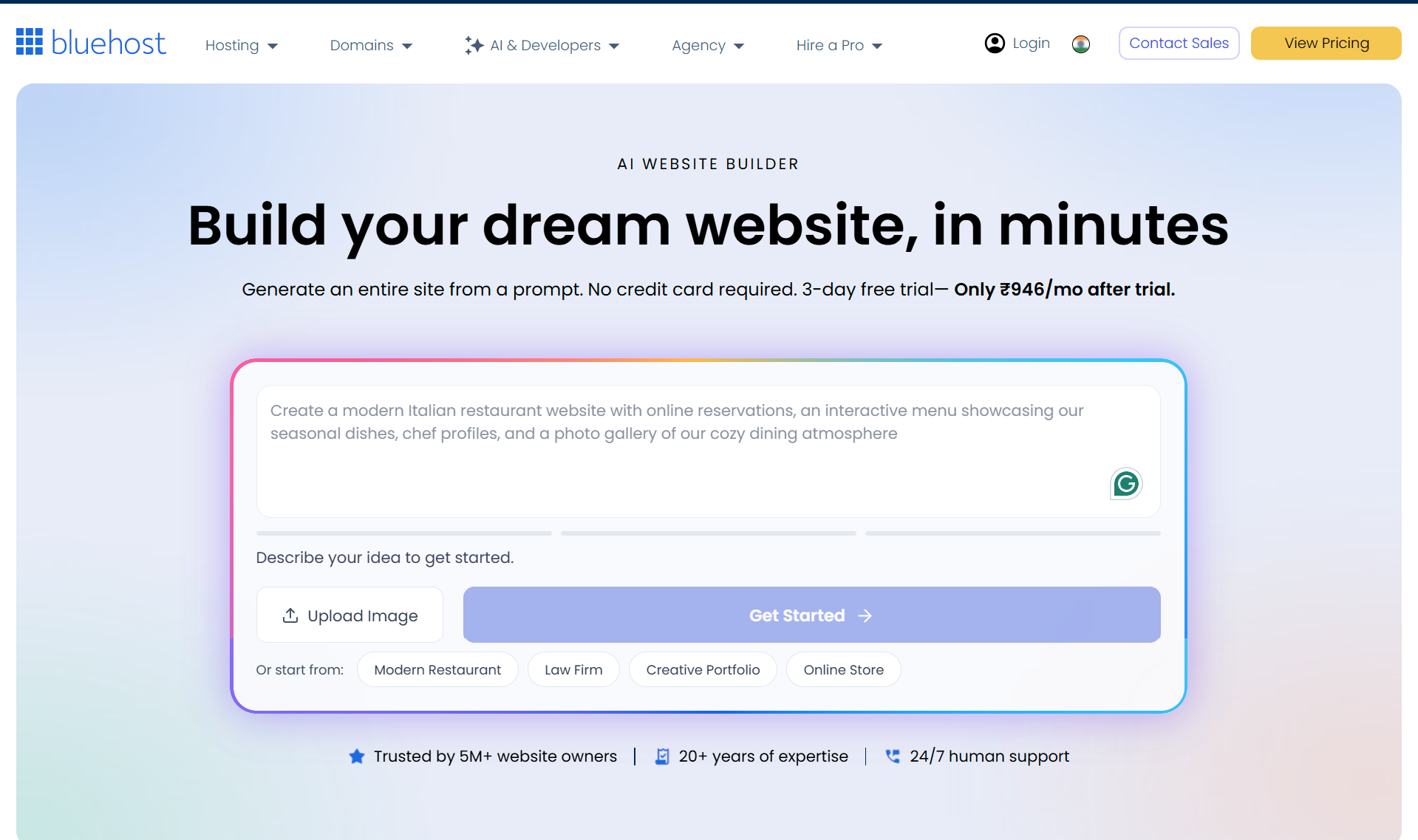
While AI-powered website builders can generate an initial draft in a record-breaking 3 minutes, getting a project fully ready for launch typically takes between 30 and 90 minutes, factoring in preparation stages, content revisions, and domain selection. While AI provides a head start in this process, users still need to perform manual edits and optimizations for a successful site.
Website Creation Stages and Timeline
Whether traditional or AI-powered, every website goes through specific stages before going live. The total duration of the process varies depending on the project's complexity and the user's level of preparation:
- Defining the Purpose (30 minutes – 1 day): The planning phase for outlining the site's goals, target audience, and required pages.
- Market Research and Planning (1 – several hours): The phase where competitor analysis and content strategy are developed, and the prompts to be fed into the AI are prepared.
- Initial Draft Generation (approx. 3 minutes): The moment the AI tool processes the prompts to create a professional-looking initial site draft.
- Content and Design Revisions (30 – 60 minutes): Reviewing the text generated by the AI and making visual and textual revisions that align with the brand identity.
- Domain Name and Launch (10 – 30 minutes): Selecting a domain, configuring basic SEO settings, and taking the site live after final testing.
How Does AI Accelerate the Process?
The biggest innovation AI brings to the world of web design is eliminating the hassle of writing code from scratch or customizing templates. Skeleton creation and basic layout design, which used to take weeks with traditional methods, are completed in minutes thanks to AI tools. However, this speed does not eliminate post-launch growth and optimization efforts; on the contrary, it gives users ample time to focus on strategy and content rather than wasting time on technical details.
What Awaits You After the Launch?
Hitting the publish button on a website is merely the first step in the digital presence marathon. The post-launch phase is crucial for the site to gain visibility on search engines and generate sustainable traffic. At this stage, regular content updates, technical SEO improvements, monitoring site performance, and interface enhancements based on user feedback form the foundation of long-term success.
Frequently Asked Questions
Do AI-built sites come with an automated SEO infrastructure?
AI tools can quickly generate basic page structures and meta tags; however, competitive search engine optimization (SEO) requires manual keyword research and content enhancement.
Can AI website builders replace traditional CMS platforms?
While these tools offer a quick alternative for small businesses, portfolios, and simple e-commerce sites, traditional content management systems remain more functional for large projects requiring advanced customization and complex databases.
*This news article was prepared based on data published by the Yoast SEO Blog.
💬 Comments
No comments yet. Be the first!
You must be logged in to comment.
🔑 Log In